Works everywhere
In Zoom, Teams, OBS, your browser, or any other app, choose Unity Video Capture as the camera — not your built-in webcam.
DeepSwapApp streams a real-time face swap to a virtual camera, so Zoom, Teams, Meet, OBS, and any other app sees your chosen look instead of your webcam feed.
Requires Windows 10+. Register with your email to receive a license token and a secure installer download link. In your meeting app, browser, or any program that uses a camera, select Unity Video Capture as the camera input to show your swap.
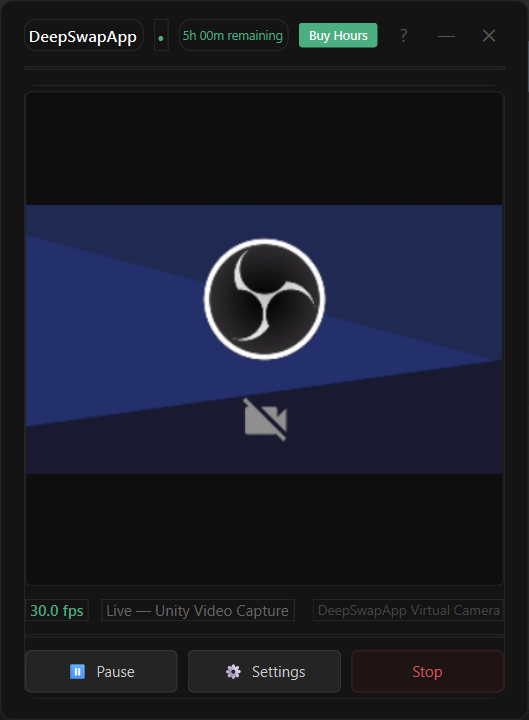
A lightweight floating app that installs a virtual camera and keeps your hours synced securely with the DeepSwapApp server.
In Zoom, Teams, OBS, your browser, or any other app, choose Unity Video Capture as the camera — not your built-in webcam.
Powered by InsightFace with optional GPU acceleration for smoother live swapping when available.
Register with your email, receive a token, and top up live hours when you need more streaming time.
From download to live swap in a few minutes.
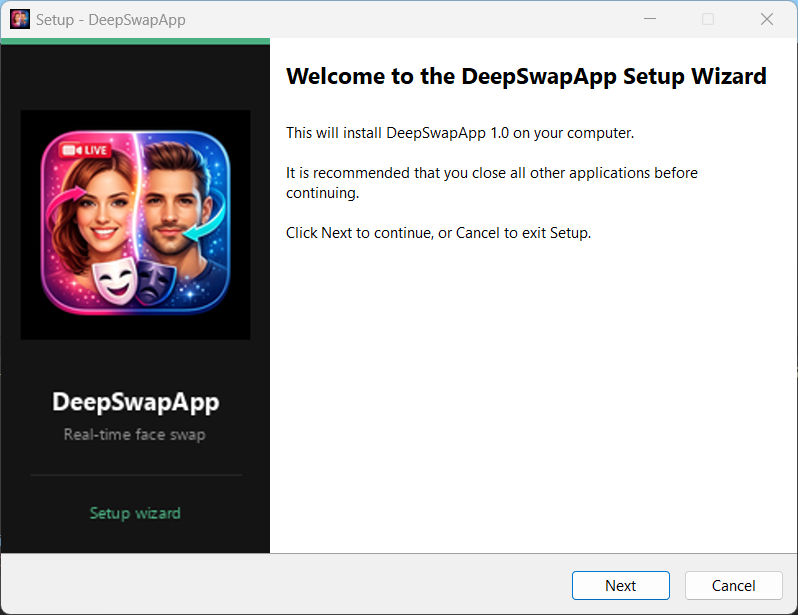
Run DeepSwapApp_Setup.exe. The virtual camera driver registers automatically during setup.
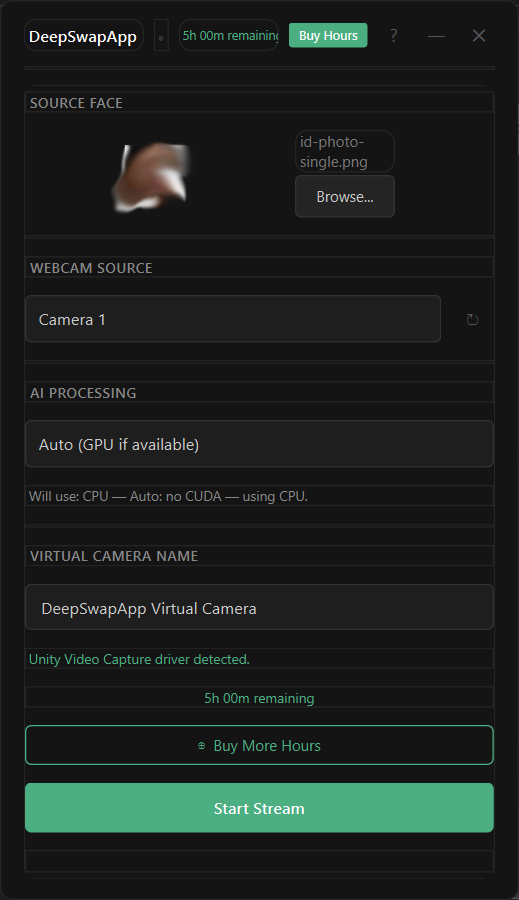
Activate your token, choose a source face photo, pick your webcam, then click Start Stream.
DeepSwapApp sends your swapped feed to the virtual camera while you stream. The app stays in the bottom-right corner of your screen.
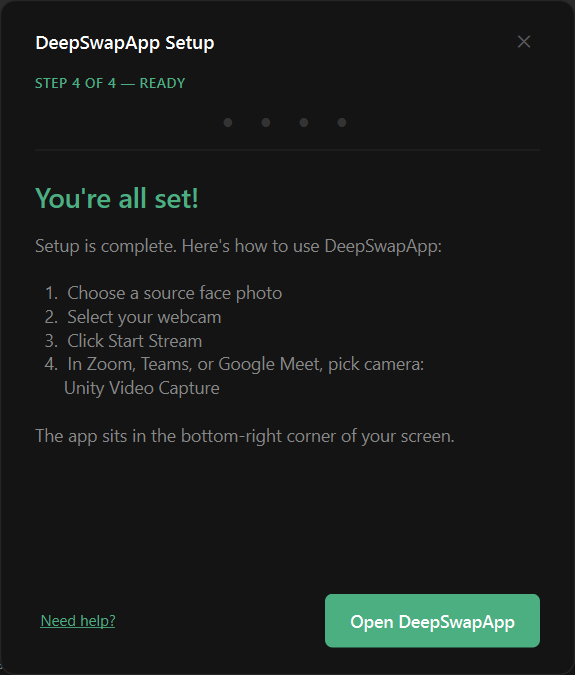
In Zoom, Teams, Meet, your browser, or any other app, open camera settings and choose Unity Video Capture. Your swap only shows after you pick it.
Register to download the app and receive your access token by email.